
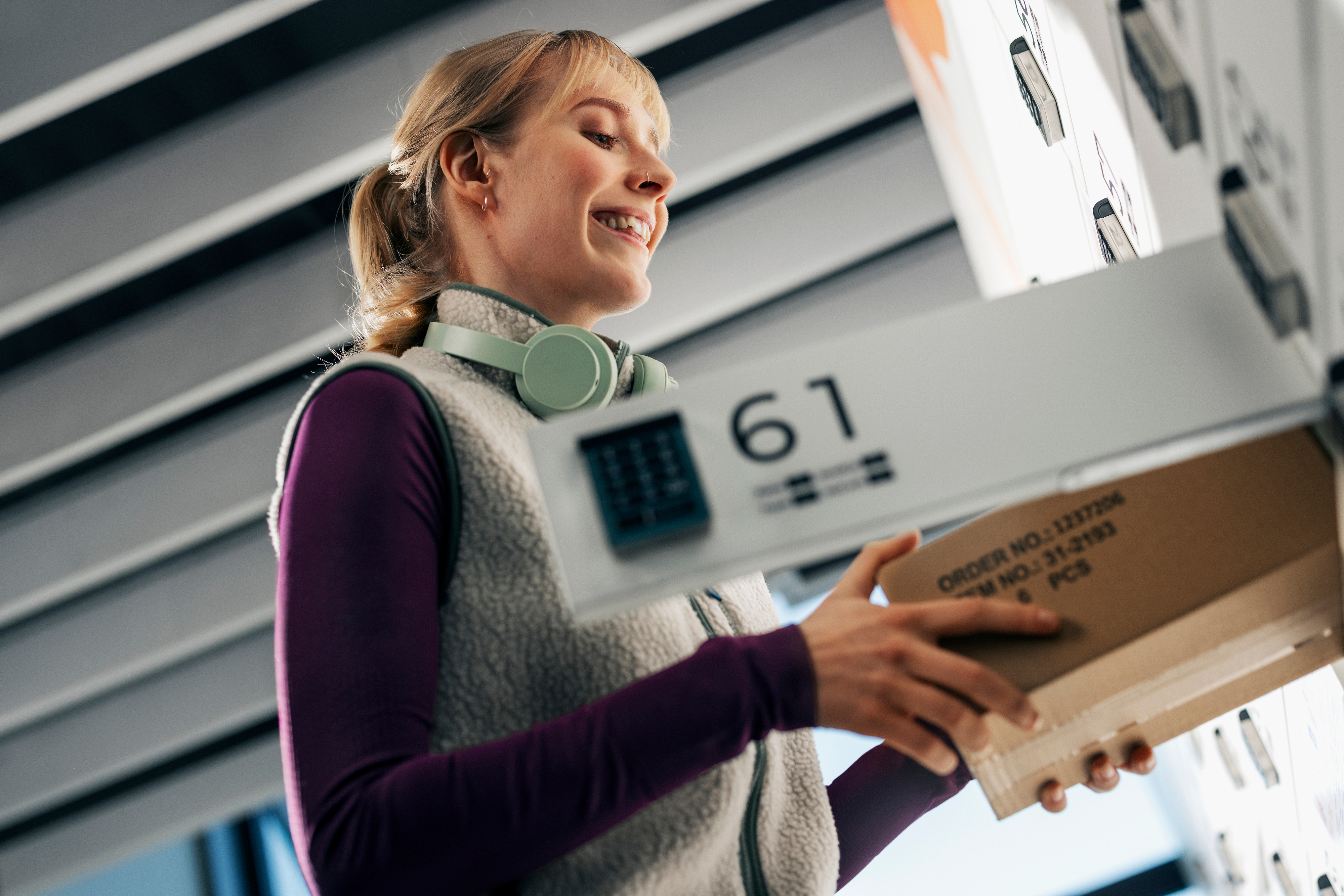
You can now send a parcel with a Helposti code from a parcel locker easily with the OmaPosti app – whenever it suits you. OmaPosti shows the nearest lockers and guides you step by step.
Sending made even easier
The preferred way to send a parcel is here. With OmaPosti, you can send a parcel with a Helposti code from a parcel locker whenever it suits you. In addition to staffed service points, parcel lockers bring more flexibility to your everyday life – choose the option that works best for you and track your parcel easily in OmaPosti.
How to send a parcel from a parcel locker
Create the shipment in OmaPosti (app or browser).
Pack the parcel and write the Helposti code and sender’s name on it.
Select the parcel locker and box in the OmaPosti app.
Check your reservation and take the parcel to the locker. The confirmation shows the last drop-off time, box number and opening code.
Open the locker as instructed, place the parcel inside and close the door.
Mark the parcel as dropped off in the app and track its journey in OmaPosti.
What is a Helposti code?
A Helposti code is a six-character sending code provided by Posti that lets you send a parcel without a separate address label. Write the code and sender’s name on the parcel and choose the drop-off point in OmaPosti. The Helposti code makes sending quick and effortless.
Parcel lockers where you need them
Posti has thousands of parcel lockers across Finland, often in familiar places like grocery stores or along your commute. Our network keeps growing – customers already have access to nearly 2,200 lockers nationwide. Find the nearest lockers and service points on the map: https://www.posti.fi/kartta.
All parcels and digital post in one place
OmaPosti brings together shipments, tracking information and digital post. See everything at a glance and get notifications straight to the app.
Try it now – sending a parcel from a parcel locker with OmaPosti is easier than ever.